Five signs your trade business has outgrown spreadsheets

In short
A trade business has outgrown spreadsheets when the same job details get typed in more than once, the crew cannot see the schedule without ringing the owner, quotes go quiet unnoticed, quotes take longer to build than to price, and admin spills into evenings. The fix is one connected system where the client, quote, job and invoice share a single record.
You started with a spreadsheet: one tab for clients, one for quotes, one for jobs. It was quick, free and it worked. Three years on you have several crews, a yard, a few dozen quotes out at any time, and that same file is now the thing slowing everyone down.
How do you know your business has outgrown spreadsheets?
You have outgrown spreadsheets when the file creates work instead of saving it. The five usual signs are the same details typed in several places, a crew that cannot see the schedule, quotes that go quiet without anyone noticing, quotes that take longer to build than to price, and admin that has moved into your evenings.
None of these mean you are disorganised. They mean the business has grown past what a grid of cells can hold. A spreadsheet stores numbers well. It does not connect a quote to a job, tell anyone when something changes, or remind you that a client has not replied. Once you have staff, several jobs running at once and quotes going out every week, those gaps turn into lost hours and lost work.
Sign 1: Are you typing the same job details more than once?
If a client’s name and address live in your client sheet, your quote sheet, your job sheet and then Xero, you are paying for the same information four times. Every copy is a chance for an error, and when the client moves house only some of the copies get updated.
A typical path looks like this: you take the enquiry on the phone and add it to the client tab, copy it into the quote tab, retype it into the active jobs tab when the quote is accepted, then enter it again when you raise the invoice. The invoice goes to the old address and payment slips a fortnight.
What it should look like: the client is entered once. The quote pulls their details, the accepted quote becomes a job with everything already attached, and the invoice is raised from the job. Fergus works this way, and the WorkArc system is built inside it so the same record carries from first call to final payment.
Sign 2: Can your crew see what’s happening without ringing you?
If the schedule lives in a file on your laptop, nobody else knows it until you tell them. The crew rings for the next job, the yard loads the wrong materials, and whoever answers the office phone cannot tell a client when their deck will be finished.
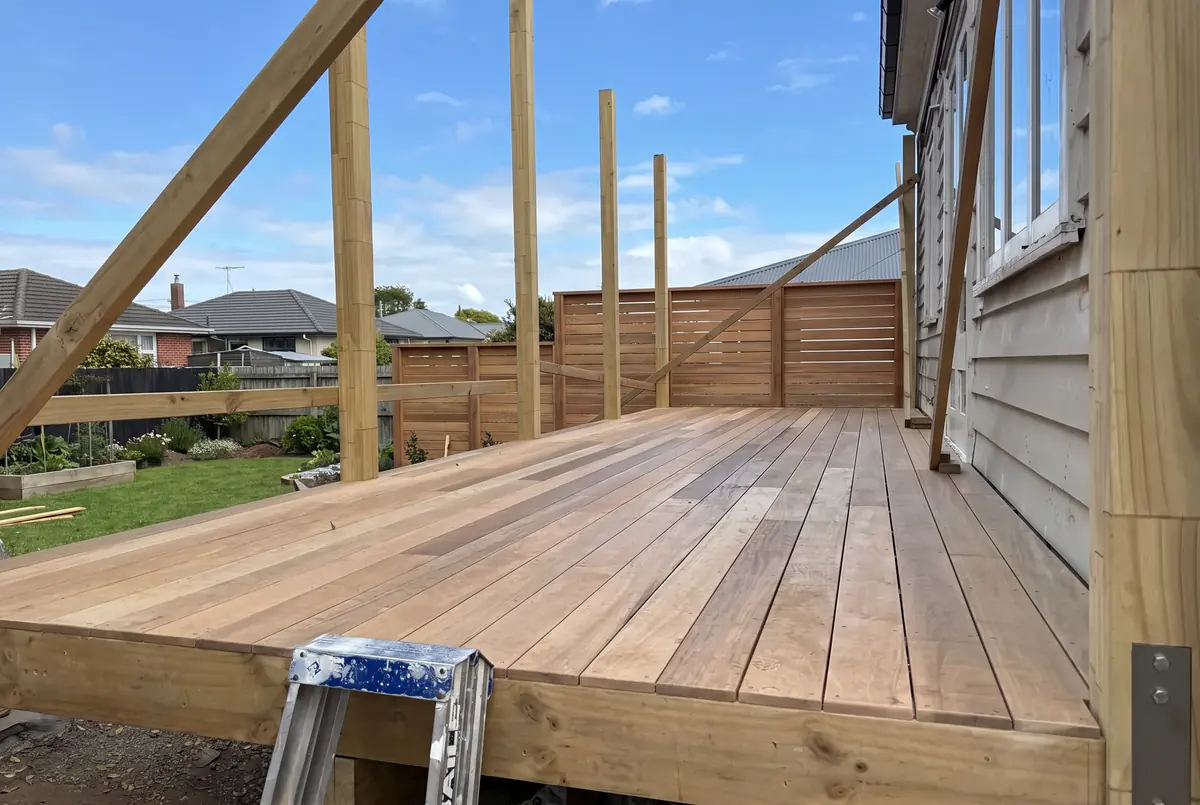
Picture a deck install in Henderson. Your leading hand is at the yard wondering which job to load for tomorrow. Your partner is fielding a call from a client who wants a finish date. The answer to both is in the spreadsheet, and the spreadsheet is in your ute. By the time you update it that evening, the day’s decisions have already been made on guesses.
What it should look like: everyone works from the same live schedule and job status on their phone. ArcSync keeps jobs, crews and materials in step across the tools you use, so the yard, the office and the site see the same picture without a phone call.
Sign 3: Do quotes go quiet without anyone noticing?
If you cannot say, right now, which quotes are waiting on a reply and when each was last followed up, some of them are being won by whoever followed up first. A quote list with no status and no follow-up date is where winnable work goes to die.
You sent a quote for a paved courtyard in Botany three weeks ago. Did the client reply? The quote tab has 47 rows and no way to tell which are live, lost or forgotten. Meanwhile another contractor checked in on day three, answered a question on day five and booked the job on day seven. Their price was no better. They stayed in the conversation.
What it should look like: every quote has a status and a next step, in one view you actually look at. That is the job ArcChase does: it keeps every open opportunity in front of you across your job system and CRM, keeps both up to date, and makes the next call or message easy to take.
Sign 4: Does building a quote take longer than pricing it?
If you can price a retaining wall in your head in five minutes but the written quote takes 45, the spreadsheet is costing you 40 minutes per quote. At five to ten quotes a week, that is most of a working day lost to formatting, copying rates and hunting for last month’s wording.
The client in Tauranga wants a price for a timber retaining wall. You have built dozens. Yet you still look up your labour rate in one tab, work out posts and sleepers in another, copy terms from an old document, format it, export a PDF and write the covering email.
What it should look like: you describe the job and the system builds the quote from your own price book, rates and margins, laid out in your template. ArcQuote does this inside Fergus. You review the numbers, adjust anything unusual and send it.
Sign 5: Has admin moved into your evenings and weekends?
If Friday night is when the quotes, job updates and invoices finally get done, the admin has outgrown the hours in the working day. That is a tools problem. A spreadsheet cannot do anything by itself, so every update, quote and reminder waits for you to sit down and do it by hand.
What it should look like: jobs update from site, quotes are built from the price book during the day, invoices are raised from the job, and follow-ups go out on their own. When you knock off, the office work is done too.
When is a spreadsheet still the right tool?
A spreadsheet is fine for a sole operator doing two or three jobs a month with simple pricing and no staff. It stops being fine once you employ people, run several jobs at the same time, quote every week and want to know which work actually makes money.
The five signs above are a good problem to have. They usually mean the business is growing. They are still a problem, and they get worse with every extra crew.
What should replace the spreadsheet?
The replacement is one connected system, usually a job management platform such as Fergus linked to Xero, set up so information is entered once and flows from first enquiry to final payment. It should do five things a spreadsheet cannot:
- Store information once and use it everywhere. The client’s details feed the quote, the job and the invoice.
- Connect the workflow. An accepted quote becomes a job, a finished job becomes an invoice, an overdue invoice triggers a reminder.
- Give the whole team the same view. Schedule, job status and notes on every phone.
- Handle the repetitive follow-up. Quote follow-ups and payment reminders go out on a cadence.
- Show what makes money. ArcPulse puts live cost against quote on every open job, so you see margin before the final invoice.
How hard is it to move off spreadsheets?
It is less work than most owners expect, because the pricing and job knowledge already exists in your head and your files. The hard part is setting the system up to match how you work, then keeping it tuned. That is the part WorkArc does, inside Fergus and Xero.
If you are not on a job management platform yet, choosing one is the first step. WorkArc then builds the quoting, follow-up and margin system around your real price book and job history, moves the data across, and keeps improving it as the business changes. Your spreadsheet did its job. It taught you what the business needs to track. The next step is a system that tracks it for you.