Stop being your clients’ call centre.
A branded page for every job, so clients can see where it’s up to without ringing you. The Friday update writes and sends itself.
80% fewer “where are we up to?” calls
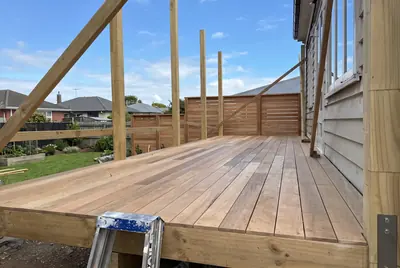
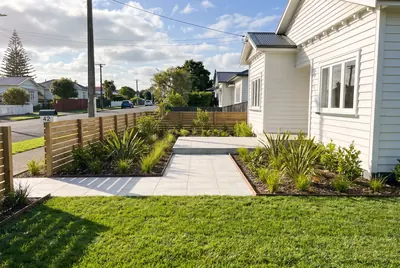
IllustrativeWhat the homeowner sees, branded as your own: where the job is up to, the Friday update, this week’s photos and a heads up on what’s coming.
The calls that eat your afternoon.
Clients ring because they have no other way to know what’s happening on their job.
- “Just checking in, where are we up to?” calls, several a day
- Clients who felt out of the loop pushing back on the final invoice
- Variations disputed because nothing was signed off in writing
- Looking less organised than the competitor who sends a weekly update
Built from the job you’re already running.
ArcPortal reads stages, notes and photos from your job system. Your team keeps working the way it does now.
The job moves
As a job goes from quote accepted to in progress to complete in your system, the client’s page moves with it.
Friday, the update goes out
A short summary of this week and next, written from your site notes and sent to the client automatically.
Changes get signed off
A variation goes to the client through the portal. They approve it or ask a question, and the answer is on record.
What your clients see.
Built around your jobs and branded to your business.
- 01
Branded to you
Your logo and your colours. It looks like part of your business, because it is.
- 02
Live job stage
Quoted, approved, in progress, complete. Clients can see where their job is up to, any hour of the day.
- 03
Friday updates
What was done this week and what’s coming next, sent every Friday without anyone writing it.
- 04
Photos and site notes
Progress photos and key notes appear as the job moves, so clients see the work without visiting the site.
- 05
Variation approvals
Scope changes are approved in writing, in one tap, with the price attached. No disputed verbal agreements.
- 06
Invoice visibility
What’s been invoiced and what’s coming. Fewer billing surprises and fewer awkward conversations at the end.
Fewer calls. Cleaner sign-off.
Clients check the portal instead of ringing the office.
Inside what you already run.
ArcPortal draws job stages, notes and photos from the job system your team already updates. Nothing extra to fill in.
- FergusJob progress and site updates on the client’s page.
Works alongside.
ArcPortal is one of seven parts. These are the ones it leans on most. See the whole system.
Book a call.
Thirty minutes. We look at how clients hear from you today and show you what ArcPortal would look like for one of your jobs.